Microsoft removes direct PC-to-PC migration from Windows 11
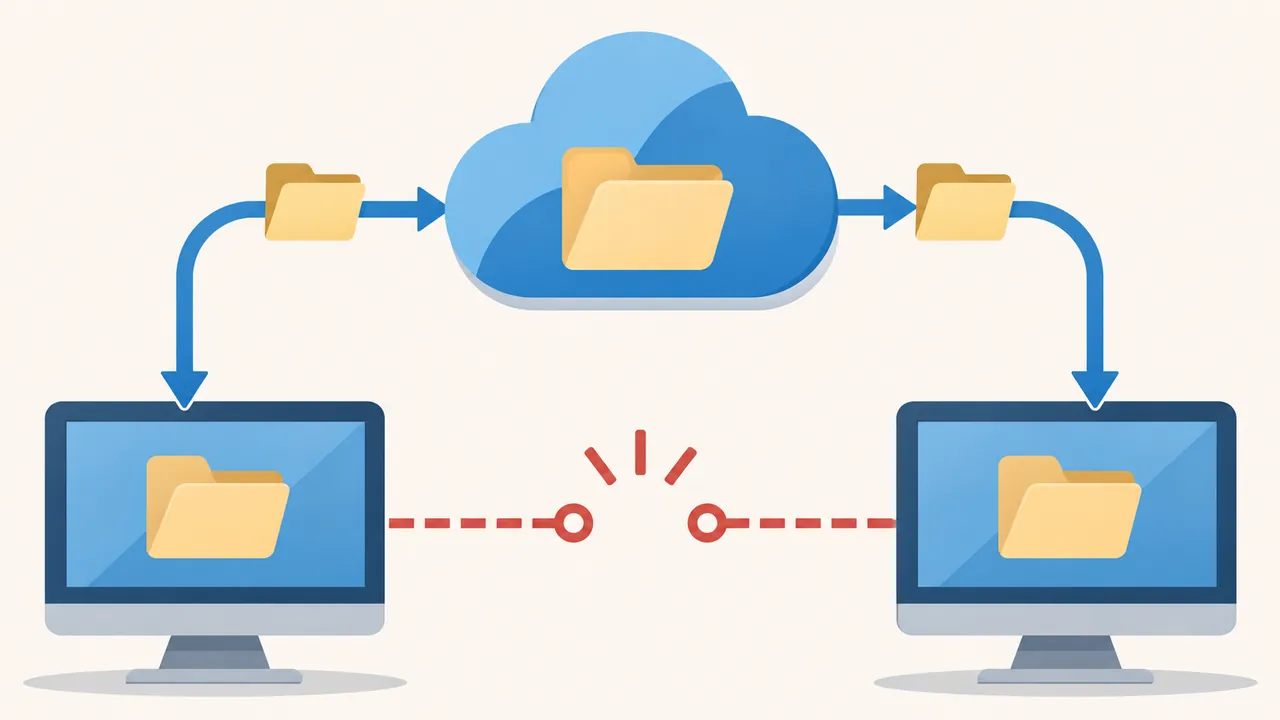
Microsoft has removed PC-to-PC Migration from Windows 11, with an updated support page stating that the tool is no longer available. Its removal began with September’s optional update KB5124010 and reached regular users with KB5127648, released on October 13, 2026. The company has not explained the decision.
Introduced in 2025 as a replacement for Windows Easy Transfer, the feature moved files and settings directly between two computers over Wi-Fi or Ethernet. Users paired their old and new PCs with a one-time code and selected folders to copy. Installed applications, saved passwords, account credentials and some protected folders stayed on the old device.
Microsoft now recommends Windows Backup. It requires a personal Microsoft account and copies supported folders—Desktop, Documents, Pictures, Videos and Music—to OneDrive. Free accounts include 5 GB of storage. Windows Backup can also remember applications, Wi-Fi networks, passwords and some settings, although applications still need to be reinstalled on the new PC.
Users can alternatively copy files manually with a USB drive or external disk, or transfer them through a shared folder on a local network. These options avoid OneDrive storage limits but require users to select the folders themselves.
Original source: habr.com ↗
Comments on source platforms
Rank is the maximum of the latest discussion counts. These are source metrics.
Хабр
- Discussion ↗: 4
Measured: 12 Nov 2026, 07:29 UTC