Opera for iOS adds Data Saver mode
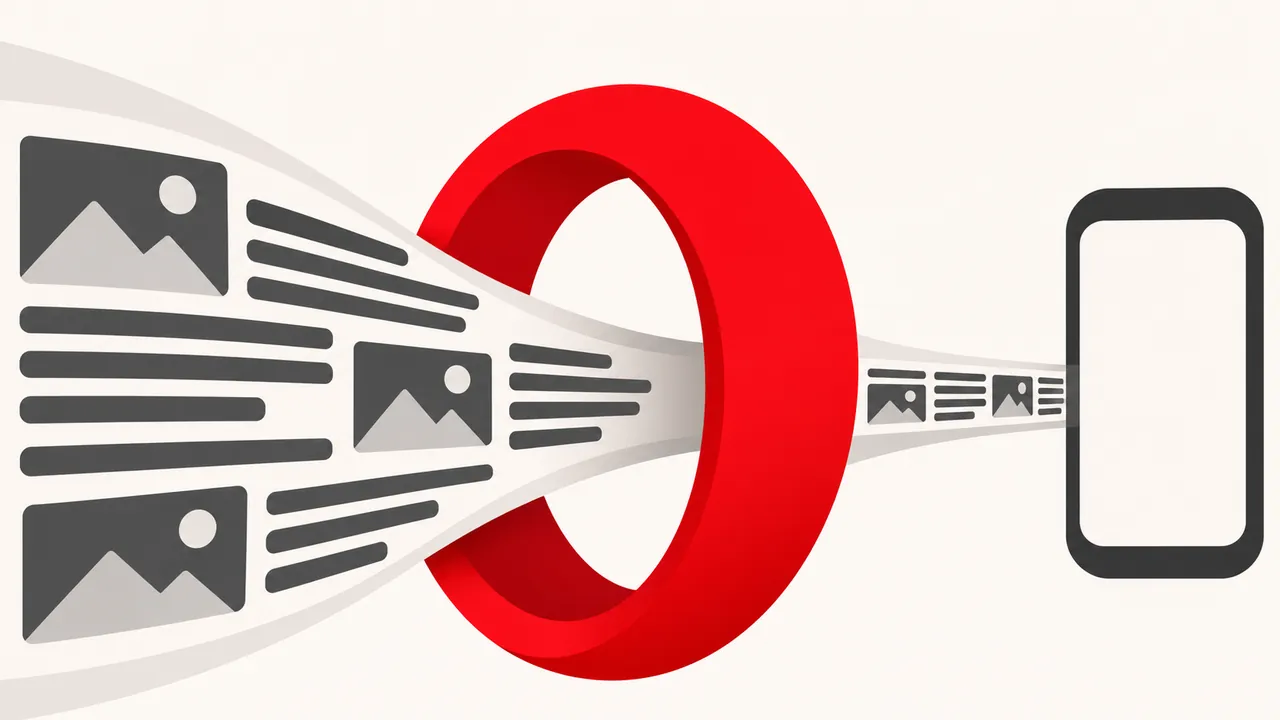
Opera for iOS has added Data Saver, a mode that compresses webpage text and images on Opera’s servers before sending them to an iPhone. The company says this can cut the amount of data transferred while browsing by up to 80%.
The settings offer no choice of compression level, so some images will appear at low quality. Audio, video and downloaded files are excluded from compression. Data Saver also works in private tabs, and switching the mode on or off reloads the current tab.
The feature is disabled by default. Users can enable it through the three-dot menu in the bottom-right corner by selecting the leaf icon, or through the Data Saver toggle in the browser’s settings.
Once enabled, a counter in settings shows how much data the mode has saved. It includes every type of internet connection, including Wi-Fi, so it cannot show savings on a mobile data allowance alone. The counter’s data stays on the device and is not synced.
Original source: habr.com ↗
Comments on source platforms
Rank is the maximum of the latest discussion counts. These are source metrics.
Хабр
- Discussion ↗: 7
Measured: 16 Nov 2026, 06:49 UTC